Monitor API Traffic
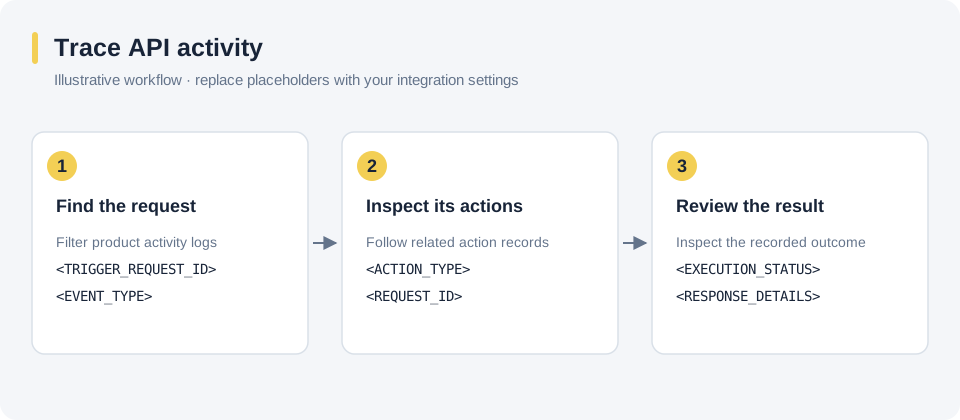
Use product activity and automation logs to follow an event through its configured actions. Start with the trigger request identifier returned by the API.
Product Activity Logs#
Find the event request, inspect its associated action records, and compare the recorded responses with the expected integration behavior.
Automation Logs#
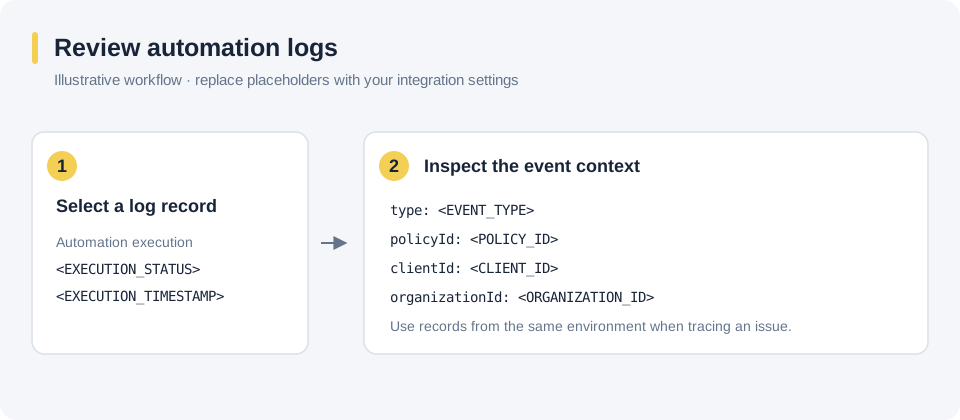
Select the relevant automation execution and inspect its event context. Match the policy, client, and organization context to the request you are investigating.
The diagrams show placeholder data. For request and response formats, see Firing an Event and the event reference.