Set Up a Webhook Action
Use a webhook action to send event data to an external service. The destination can be an existing integration or custom code that transforms the data for another system.
Configure the Destination#
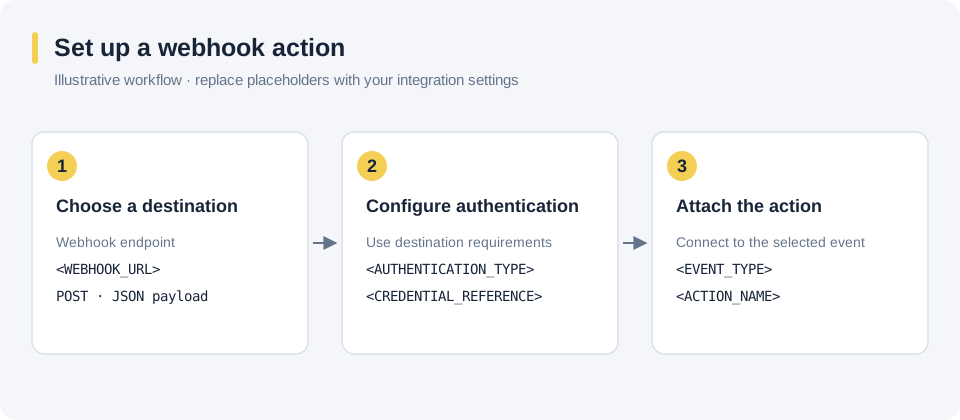
Set the destination URL and the authentication required by that service. Use your integration's settings in place of the diagram's placeholders.
Attach the Action to an Event#
Select the product event that should send the webhook, then configure its action. See Select Events and the Webhook reference for the event context.
Common destinations include rating services, policy systems, CRM systems, marketing systems, and data stores.